
Accessing Business Areas
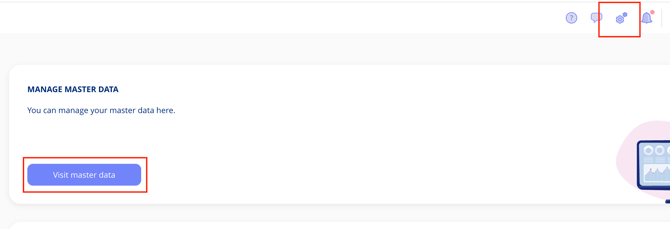
Navigate to Settings in the top menu, select "Visit Master Data", then choose "Business Areas". You'll see a complete list of all your business areas.
Deactivating Business Areas
Standard business areas can be deactivated, preventing their use in the platform. Before deactivating a business area that's already in use, ensure it's been removed from all contracts, processes or assets where it appears.

Creating a New Business Area
Select "Create Business Area" to add a new one. You'll need to provide:
- A name
- A description
- A colour
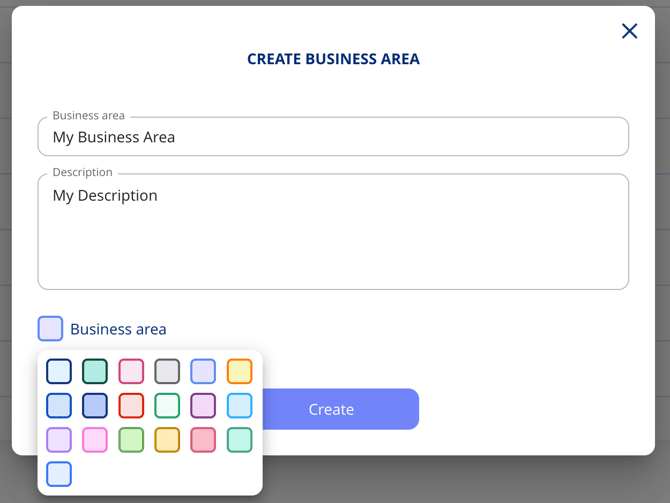
We recommend colour-coding your business areas to make them easier to distinguish at a glance.
Once created, the new business area is ready to use across the platform.