
The Contract Parties tab on the contract View screen displays all legal entities currently associated with the contract. Contract parties represent the organizations or individuals bound by the contract's terms.
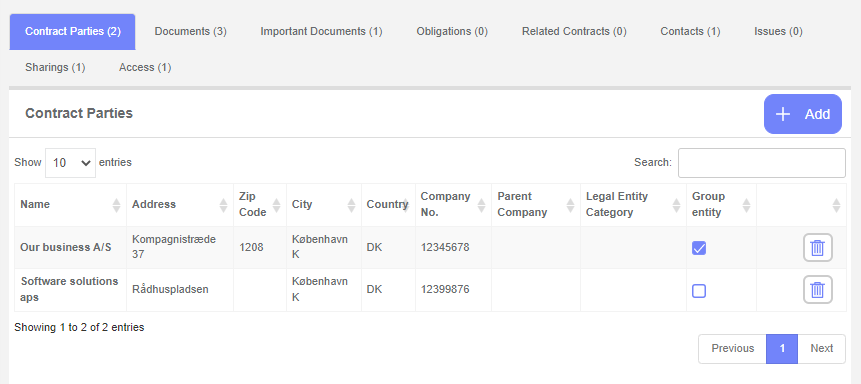
Contract parties can also be linked to specific obligations, making it easy to track which legal entity is responsible for each obligation.
Add a contract party
To add a contract party, click the **+ Add** button in the upper-right corner of the contract party list. The Add Contract Party screen will appear:

You can narrow the list by typing in the search box in the upper-right corner of the screen.
Tip: For example, typing "My" displays only legal entities whose names contain "My".
Select a contract party by clicking the **+ Add** button to the right of the desired legal entity.
Tip: To add multiple legal entities at once, check the checkboxes on the left side of each entity you want to add, then click **Add selected parties** at the top of the list. A confirmation prompt will appear — confirm to complete the addition.
Remove a contract party
Note: Removing a contract party does not delete the legal entity from your system — it only disassociates it from this contract. Ensure you have the necessary permissions before adding or removing contract parties.
To remove a contract party, click the **Delete** (trash) icon to the right of the contract party you want to remove.