
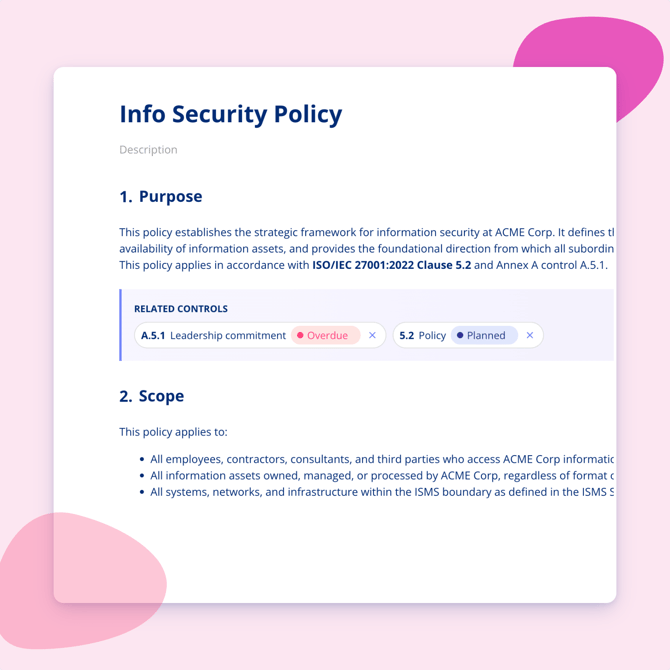
You can link individual sections and subsections of a policy directly to controls in your active compliance frameworks. This gives you a clear connection between your written policies and the requirements they support.
Why link sections to controls
Linking policies to controls means you always know which parts of a policy cover which requirements. When a policy is updated, you can quickly see if any gaps have appeared. From the control itself, you can also see which policies are linked to it.
How to link a section
Open the policy and go to the section or subsection you want to link. Select the option to link to a control, then search for and select the relevant control from your active frameworks.
A single section can be linked to multiple controls, and a single control can have links from multiple policy sections.
View linked policies from a control
Open any control in your compliance framework to see which policy sections are currently linked to it. This works the other way too: from a policy section, you can see all the controls it supports.