
You can select exactly what you need, from processing activities to full document archives.
Accessing the Export
- Go to Settings.
- Find the Export complete data extract option under Administrative Functions.
- Select which platform areas to include in the export.
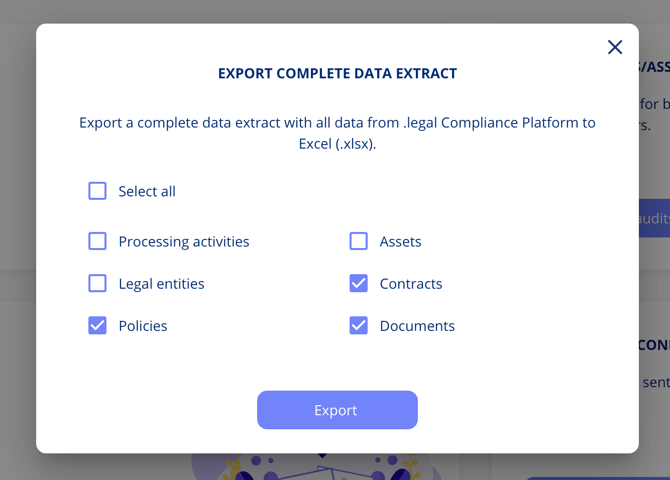
Selecting Export Modules
You can choose any combination of the following areas:
- Processing activities
- Assets
- Contracts
- Policies
- Documents
Select one, several, or all depending on your needs.
What's Included in Each Export
Contract exports include:
- All contract metadata
- Contact persons associated with contracts
- Related contracts showing relationships
- Complete document metadata with all versions and download links
Policy data exports include:
- All policy data and metadata
- Associated documents with full metadata
Document exports include:
- All platform documents organised by area
- Maintained folder structure
- All document versions (PDFs and original files)
Use Cases
- Compliance audits — Export a complete snapshot of your compliance data for external auditors.
- Data migration — Extract data for transfer to another system.
- Backup — Create periodic backups of your platform data.
- Reporting — Export specific modules for detailed offline analysis.