

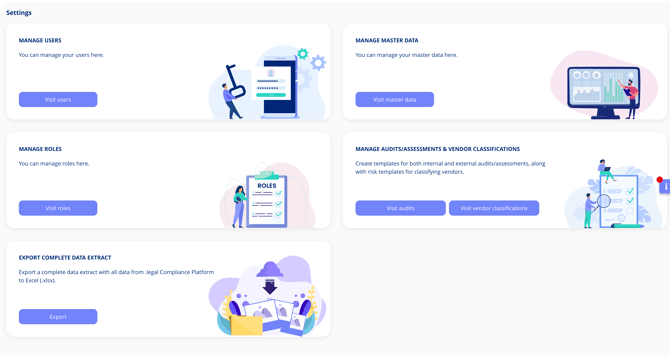
Settings Overview: What You Can Manage
- User Management
- Role Management
- Master Data Management (business areas, tags, types, etc.)
- Audit Template Management
- Export Data
Exporting Your Data
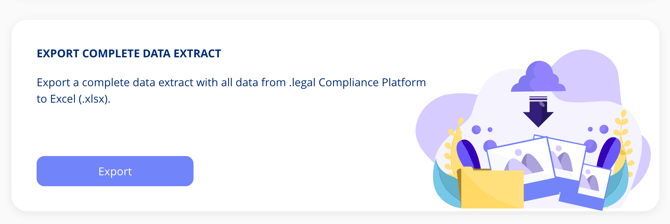
To export your data, navigate to Settings > Export Data. From there, you can generate a full Excel (.xlsx) backup of your platform, including:
- Processing activities
- Assets
- Vendors
The Export Data feature is useful if:
- You need a local archive of your compliance data
- You're migrating to or from another platform
- You need to share data externally
Note: Only users with the appropriate admin permissions can access the Export Data feature. If you do not see this option, contact your system administrator.
Managing Other Settings
The Settings area also gives you access to Role Management, Master Data Management, and Audit Template Management. Use the navigation menu within Settings to switch between these areas. Refer to the related articles below for more details.
Related Articles