
Choose Active Risk Version
By default, the platform displays the most recent risk version. You can now select a different version to display across the platform.
- Go to Settings > Master data > Risk Versions.
- Click Edit on the risk version settings.
- Select which risk version should be the active version.
- Save your selection.
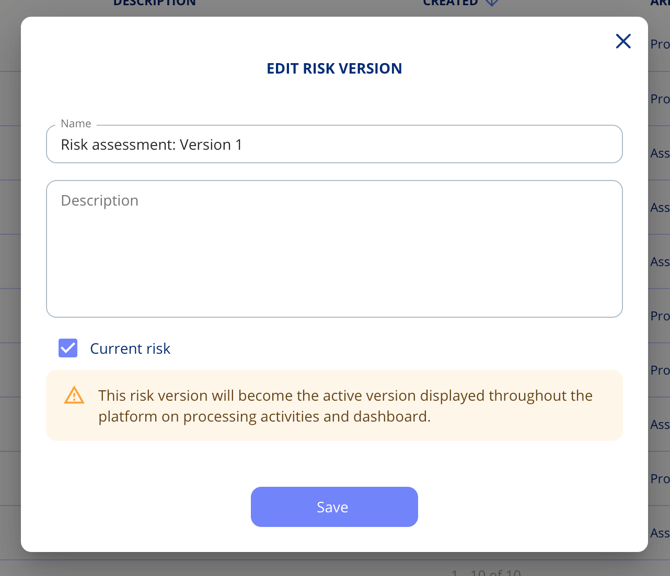
The selected version is reflected across:
- Processing activities
- Assets
- The dashboard
You can track which version is currently active via the dropdown on the Risk menu item.
Create Follow-Up Tasks from Evaluations
When reviewing evaluations, you can create follow-up tasks directly without leaving the evaluation context.
- Open an evaluation on any task.
- Click Create follow-up task (or equivalent action).
- The new task is pre-filled with:
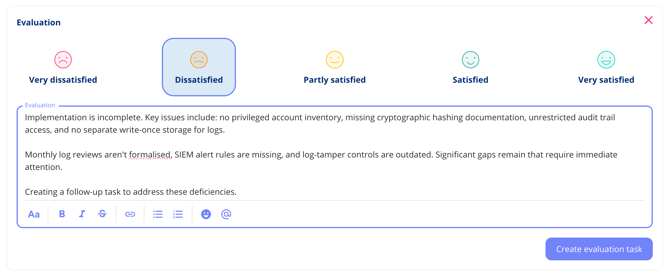
Adjust any pre-filled fields as needed and save.