
-
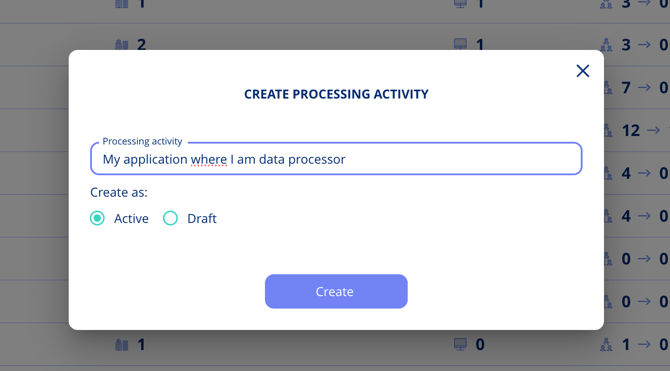
Initiate a Processing Activity: Begin by setting up a processing activity where you act as a data processor, such as Customer Support, Data Retention, or providing an application to your customers. You may choose to identify your role as both data controller and data processor within a single activity or separate them. The latter, focusing solely on the data processor role, is more commonly adopted.
-
Gather Information for Your Article 30(2) Record:
Under GDPR Article 30(2)(a), your record must also include the name and contact details of your organization (and your representative and Data Protection Officer, if applicable). Ensure these are recorded in your company profile before completing this step.
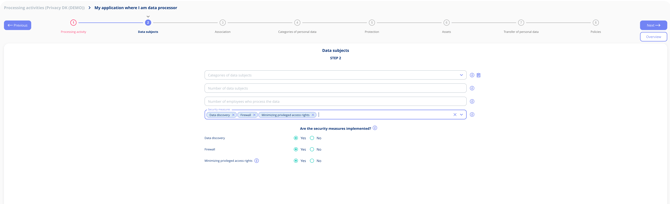
- Security Measures: Document these under "Security Measures" in the processing activity.
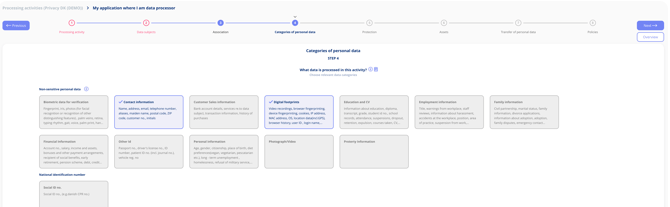
- Data Categories: Specify these under "Categories of Personal Data."
- Transfers to Third Countries: Include these details in a registered transfer under "Transfers of Personal Data > Data Controller." Additional guidance is provided later in this article.
- Identifying Your Customers: Note who you are processing data for under "Transfers of Personal Data > Data Controller," further explained below.
- Security Measures: Document these under "Security Measures" in the processing activity.
-
Navigate to 'Transfers of Personal Data': This section is where you register your customers (data controllers) and any sub-processors. All subsequent sub-steps take place within this area of the platform.
-
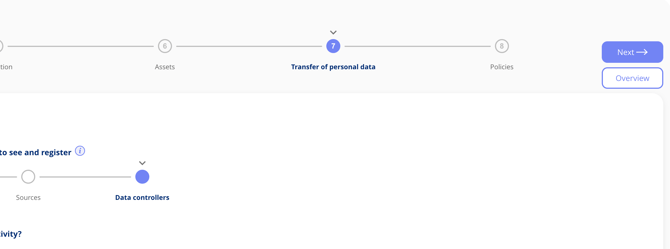
Choose 'Data Controller' in the Sub-stepper: This indicates that a data controller is transferring data to you, in your capacity as a data processor.
-
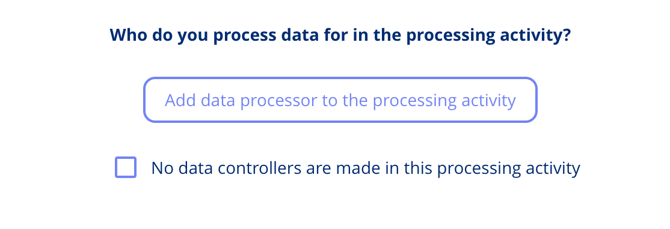
Add a Data Processor: Here, you'll select your own group company. Ensure your group company is associated with the processing activity (in the step association) beforehand to make this selection.
-
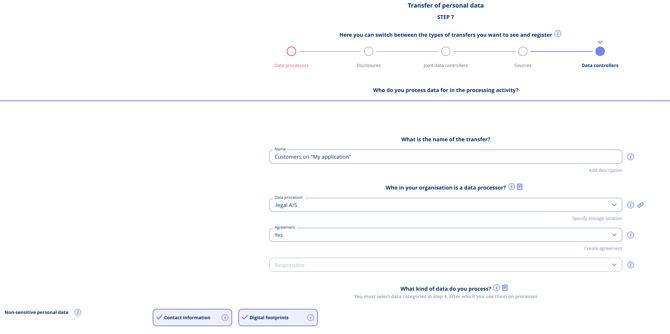
Detail the Transfer: Give the transfer a descriptive name, indicate whether it is covered by a Data Processor Agreement (DPA) with your customers, and fill in any other relevant details such as the transfer purpose or applicable transfer safeguards (for example, Standard Contractual Clauses (SCCs) or Binding Corporate Rules (BCRs)) where data is transferred to a country outside the EEA.
-
Register Your Customers: Under "Which companies use you as a data processor," add your customers for whom you process personal data. For example, users of your app. Although you can add multiple customers, each will be listed individually in your Article 30.2 record. For more details on how each customer is listed, see How do I withdraw an Article 30.2 record?.

-
Ensure Customer Profiles Are Created: Customers must already exist under the "Companies" tab before they can be selected. Create any missing company profiles first, then return to Step 7 to add them. See How to create customers in .legal for step-by-step instructions.
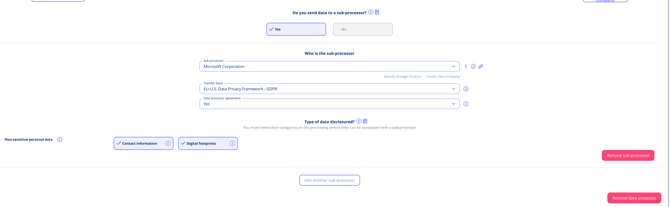
- Register Sub-Processors: If you make use of sub-processors, register these on the transfer as well. If a sub-processor is based in a third country without an adequacy decision or appropriate safeguards, it will be flagged in your Article 30(2) record. If flagged, you should review whether an appropriate safeguard (such as SCCs) is in place, or consider switching to a sub-processor located within the EEA or in a country with an adequacy decision.
-
Maintain an Updated Record: As you onboard new customers or offboard existing ones, update your Article 30(2) record promptly. Keeping this record current ensures both your compliance documentation and customer overview remain accurate.