
Note: A legal entity category is used to group legal entities into categories for reporting purposes or to narrow down entity selection when searching.
Overview of legal entity categories
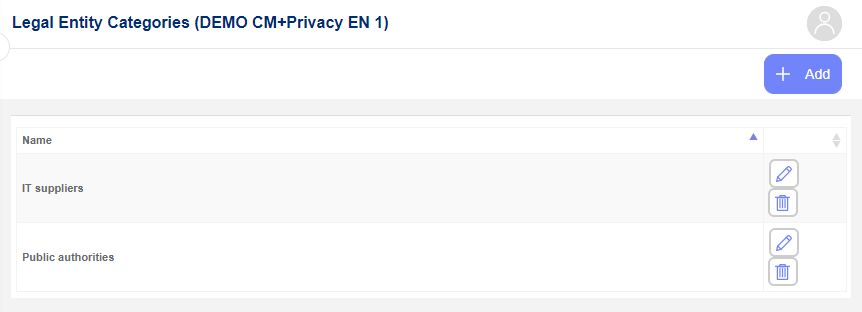
The Legal Entity Categories list shows all categories created in the system. To access it, navigate to Settings in the left menu and select Legal Entity Categories.
Add a new legal entity category
To add a new legal entity category, click the +Add button in the upper-right corner. The following dialog will appear:
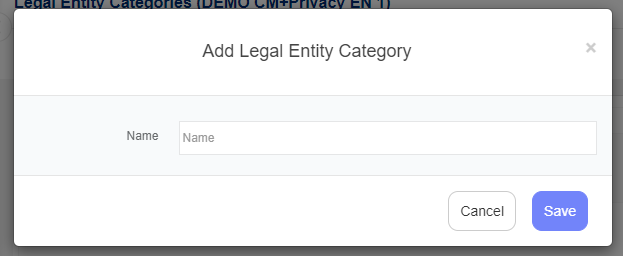
Enter the name of the new legal entity category and click Save.
Edit legal entity category
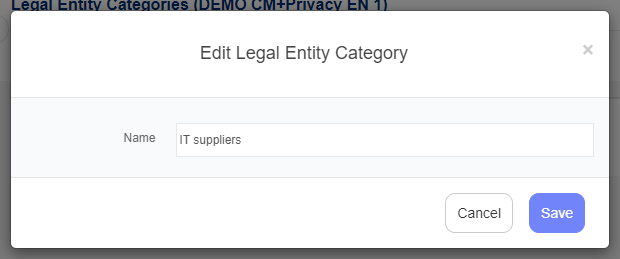
To edit a legal entity category, click the pencil icon next to it. The following dialog will appear, where you can update the category name and click Save:
Delete legal entity category
To delete a legal entity category, click the Delete (bin) icon next to it. A confirmation dialog will appear:
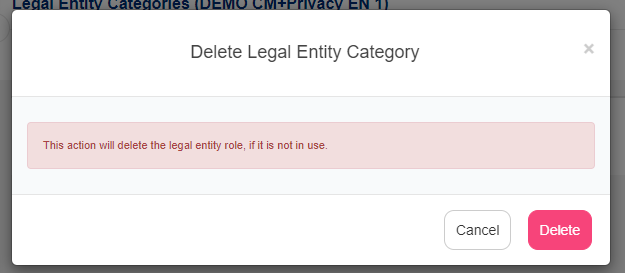
To confirm, click Delete.
Note: A legal entity category can only be deleted if it is not assigned to any legal entities. To unassign a category, edit the relevant legal entities and remove the category from each one before attempting deletion.