
It will then be added automatically whenever a new contract or processing activity is created — regardless of which user creates it or which companies they have access to.
How to Set a Default Group Company- Go to Legal Entities > Group Companies.
- Find the company you want to set as default.
- Click the overflow menu (three dots) next to the company.
- Select Set as default group company.
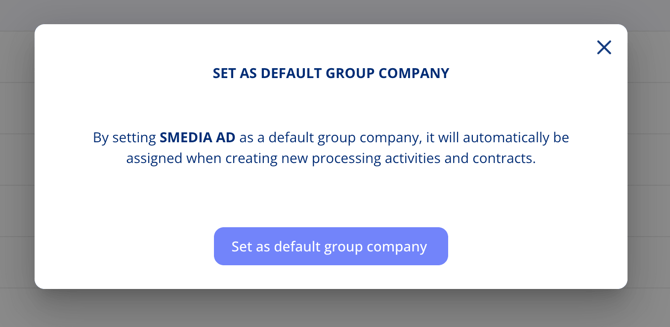
You can set more than one company as default if your organisation needs multiple companies pre-selected on new records.
Where the Default AppliesThe default group company is added automatically when a new contract or processing activity is created. Users can still adjust the selection during creation if needed.
Related Articles