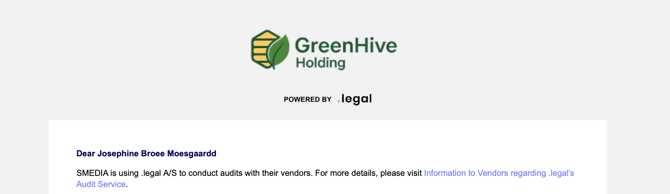
Once added, the logo appears at the top of every email sent from the platform, including audit service communications to external contacts.
How to Add Your Logo
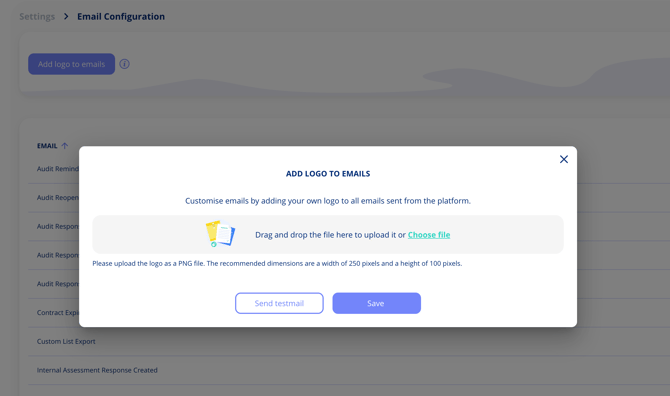
- Go to Settings > Manage email configurations.
- Click the logo upload option in the top bar.
- Upload your logo file.
File requirements:
- Format: PNG
- Recommended dimensions: 250 pixels wide x 100 pixels high
- Use the Send test email option to preview before saving.