
How to Add Custom Text
- Go to Settings > Manage email configurations.
- Select the email template you want to customise from the list.
- Add your custom text in the designated areas.
- Preview the email and send a test email before saving.
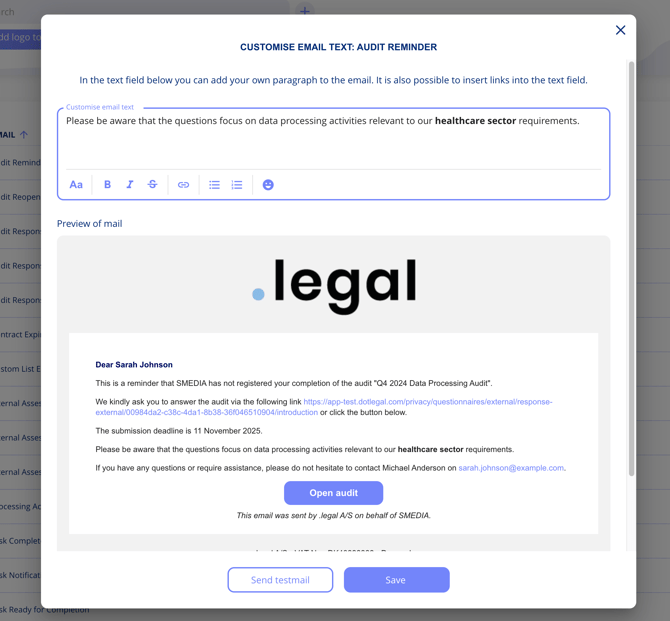
Note: Custom text can only be added to designated areas within the email templates — you cannot delete or modify the existing standard text.