
Where a contract holds several amounts — a base fee, a licence fee, add-on modules, support — the total is usually worked out by hand and goes stale the moment one of the figures changes. A calculated field keeps it right: it is a contract input field whose value is the sum of other fields on the same template.
Create the field
- Go to Settings > Contract input fields and select Create input field.
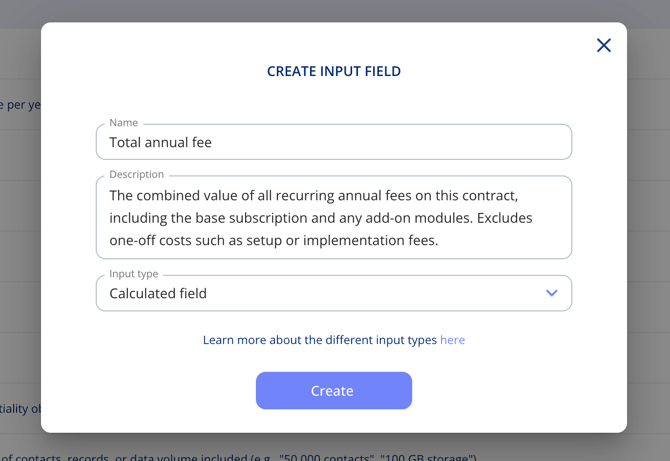
- Give it a name, for example "Total annual fee".
- Add a description. It appears as an i-icon next to the field, so use it to say what the total covers and what it leaves out.
- Set Input type to Calculated field and select Create.
Add it to a template
- Go to Settings > Contract templates and open the template.
- Go to the step the field belongs on and select Add field.
- Pick your new field under Custom fields in the dropdown.
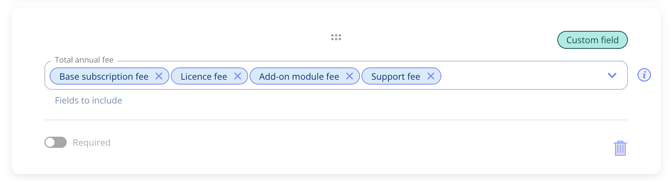
- Under Fields to include, choose which fields it should sum. You can pick freely among the amount fields already on the template.
How it looks on a contract
On the contract the field shows the total, with the fields it is made up of listed underneath, so it is clear where the figure comes from. It updates on its own whenever one of those amounts changes.

Important notes
- Calculated fields require the Templates and Custom Fields add-on.
- Only amount fields already on the template can be summed, so add those first.
- The value is not typed in on the contract — it follows the fields you selected.