
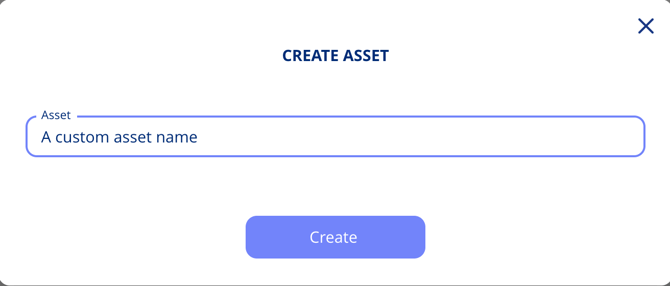
- Click Create Asset
- Enter a name
What You Can Add Later
- Certifications
- Linked policies
- Security controls
- Data retention settings
- Automatic data sharing setup
Tip: Start with what you know — you can always come back and complete it later.
Adding a Supplier While You Create an Asset
If you need a supplier that does not exist yet, you can create it without losing your place. The dialogue offers two options: Quick create, which registers the basics such as name and country, and Full create, which takes you into the full supplier setup flow.
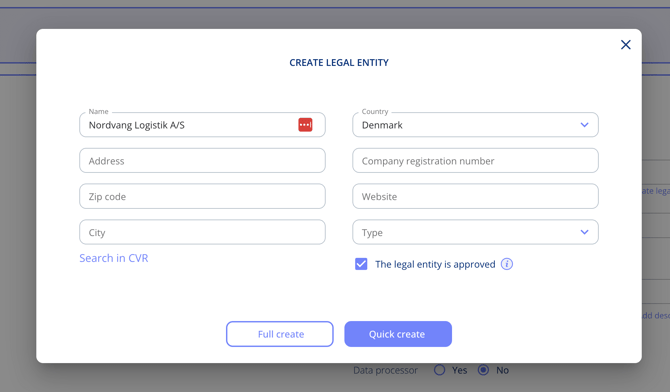
Choose Full create and you are taken through the complete legal entity setup — description, association, subcontractors, audit, and compliance areas and certifications. A banner at the top keeps track of where you came from: finish the legal entity, select Complete, and you are returned to your asset with the new supplier already linked. Cancel and go back returns you without creating it.

This works the same way anywhere else in the platform where you create a supplier as part of another flow, including when setting up legal entities from a processing activity.