How Do I Get Started with .legal?
To get started with .legal, create a free account at signup.dotlegal.com, log in at app.dotlegal.com, and optionally activate a free trial for any paid module by clicking Upgrade Now. Follow the steps below.
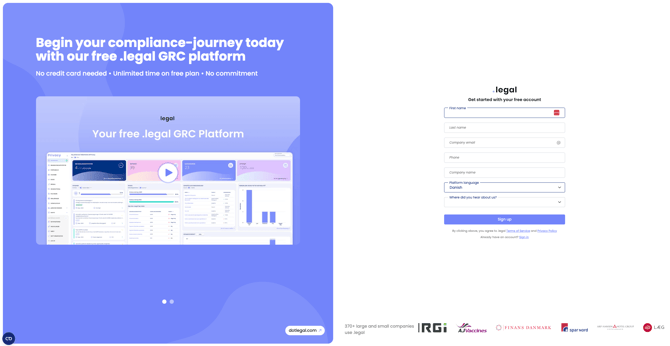
- Create your free .legal platform at signup.dotlegal.com. The free plan includes some limitations, which you can review here. Once your platform is created, you can log in anytime at app.dotlegal.com.
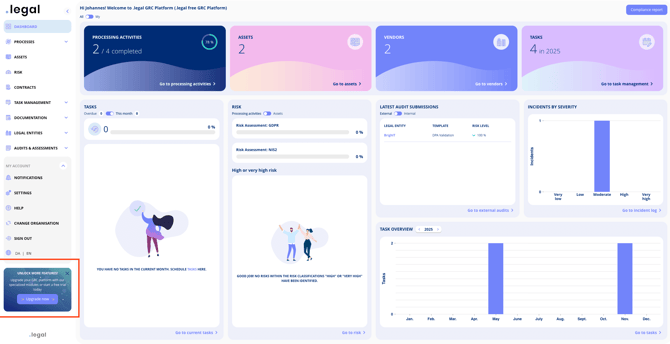
- Start using your .legal platform for free. To access full functionality of one or more modules during a trial, click the Upgrade Now button.
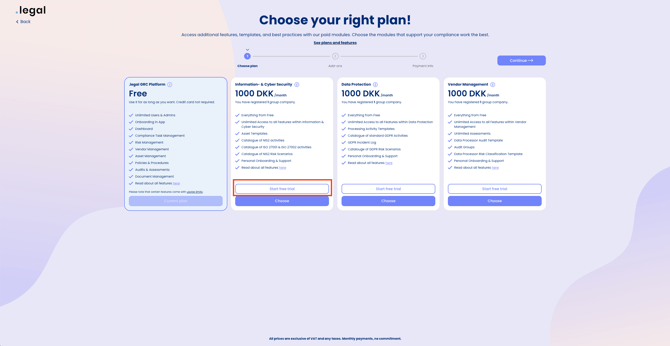
- Choose the module you want to trial and click Start Trial.
- To trial additional modules, repeat steps 2 and 3 for each module.
- Your free trial is now activated!