
Every legal entity must be associated with the country in which it is registered. You can manage which countries are available for selection when creating and editing Legal Entities by navigating to Settings > Country Settings, then using the Show or Hide controls next to each country.
How do I manage the list of available countries?
To access the country list, navigate to **Settings** in the top menu and select **Country Settings**. A full list of all countries is displayed.
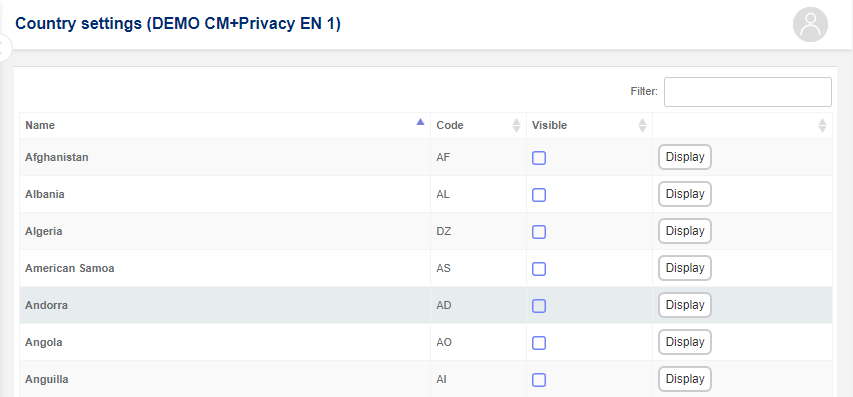
Use the search field at the top right of the list to filter countries by typing a text string.
Tip: If you, for example, type in "Dan", only the rows that hold the text "Dan" in one of the fields are displayed
For each country, click Show to make it available to users in the system, or Hide to remove it from the available options.