
The platform ships with standard templates for assets and contracts. If some of them do not fit how your organisation works, deactivate them to keep the template list to what people actually need.
How to deactivate a standard template
- Open the standard asset or contract templates.
- Find the template you want to take out of use.
- Select Deactivate.
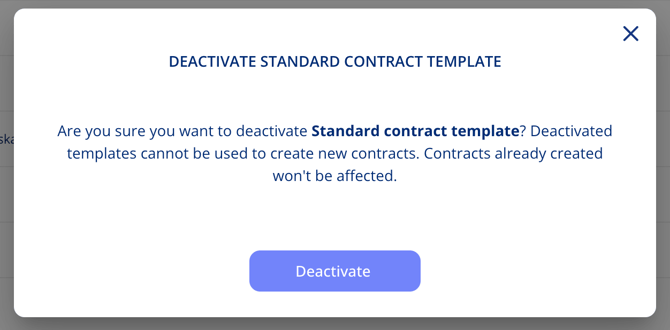
- Confirm in the dialogue.
What happens to what already exists
Deactivated templates cannot be used to create new contracts and assets. Contracts and assets that were already created from a standard template are not affected and keep working exactly as before.
Important notes
- Deactivation applies to our standard templates. Templates you have built yourself are managed as your own.
- Nothing is deleted — deactivating only removes the template as an option going forward.