
AI features in .legal work within the platform's existing structure of roles, permissions, and audit trails — helping you work faster without compromising governance. This article provides an overview of all available AI features and explains how to activate them.
Available AI Features
.legal currently offers the following AI-powered capabilities:
AI Contract Creation: Automatically extract contract metadata from uploaded documents and populate contract fields.
AI Quality Scan: Upload a document and compare it against a best practice template. The AI analyses fulfilment gaps and highlights missing, partially fulfilled, and fully met requirements.
AI Compliance Chat (ComplyHans): Ask questions about your contracts and documents and get answers based on the content already uploaded to the platform. ComplyHans functionality continues to expand over time — check the platform for the latest capabilities.
Additional AI features are planned for future release. Roadmap details are subject to change — contact your account manager or check the platform for the latest availability information.
How does AI work in .legal?
AI features are designed to assist, not replace, your expertise. Every AI-generated result should be reviewed by a qualified team member before being acted upon.
Key principles:
-
Data privacy — Your data is processed by a European AI provider and is never used to train AI models.
-
Auditability — AI actions are logged and traceable within the platform.
-
Control — You can disable AI features at any time.
How to activate AI features
The AI Features add-on is free to activate for all .legal users. What you use is then billed on consumption, and you stay in control of that with a monthly spending limit. To activate:
1. Click your profile icon in the top-right corner.
2. Select See your plan.
3. Navigate to Add-ons.
4. Find AI Features and click to expand.
5. Read and accept the AI terms of use.
6. Click Complete purchase (activating the add-on itself costs nothing).
7. Set your monthly spending limit — until a limit is set, AI features stay locked.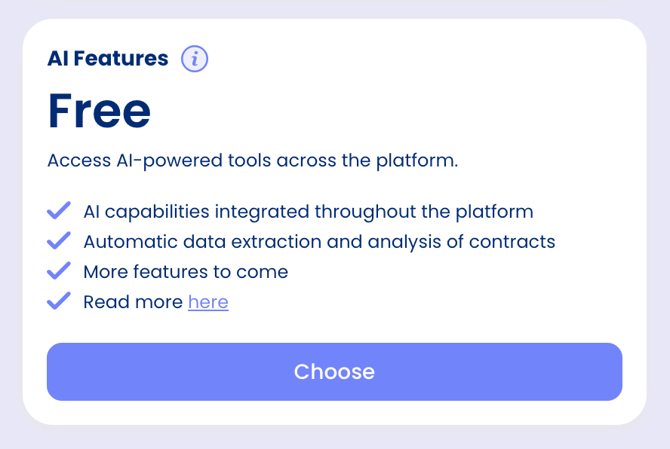
Once activated, AI features become available across .legal wherever supported. Individual features can be accessed directly from the relevant section of the platform.
What AI Costs
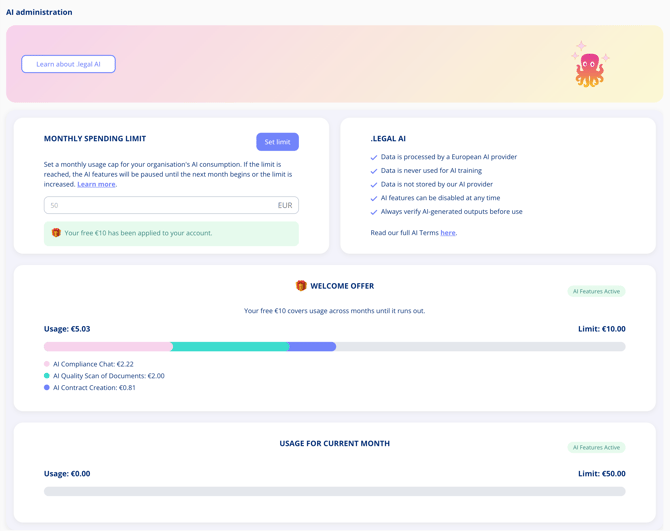
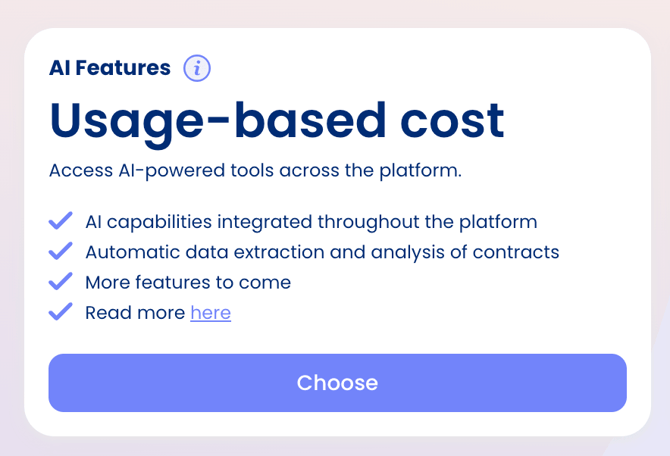
Activating the add-on is free. From there you are charged only for what you actually use, per AI feature. All cost information is under Settings > AI Administration, where you can monitor the current month's usage in real time and see how spend breaks down across AI Compliance Chat, AI Quality Scan, and AI Contract Creation.
Set a Monthly Spending Limit
The monthly spending limit is a cap on your entire organisation's AI consumption, set in euros. It applies to all users in your account.
- Go to Settings > AI Administration.
- Select Set limit on the Monthly spending limit card.
- Enter the amount and save.
You are notified before the limit runs out, so you can raise it if you need to. If you do nothing, AI features pause for the rest of the month and resume when the month resets or the limit is increased. The limit can be adjusted at any time.
Note: AI features remain locked until a spending limit has been set, even after the add-on is activated.
Your Welcome Offer
When you activate AI Features, you receive €10 of complimentary credit to get started. This credit carries over month to month until it is used up — no time pressure applies.
Related Articles
Activate Plans in your platform
AI Contract Creation
AI Quality Scan