
How do I evaluate a submitted audit or assessment?
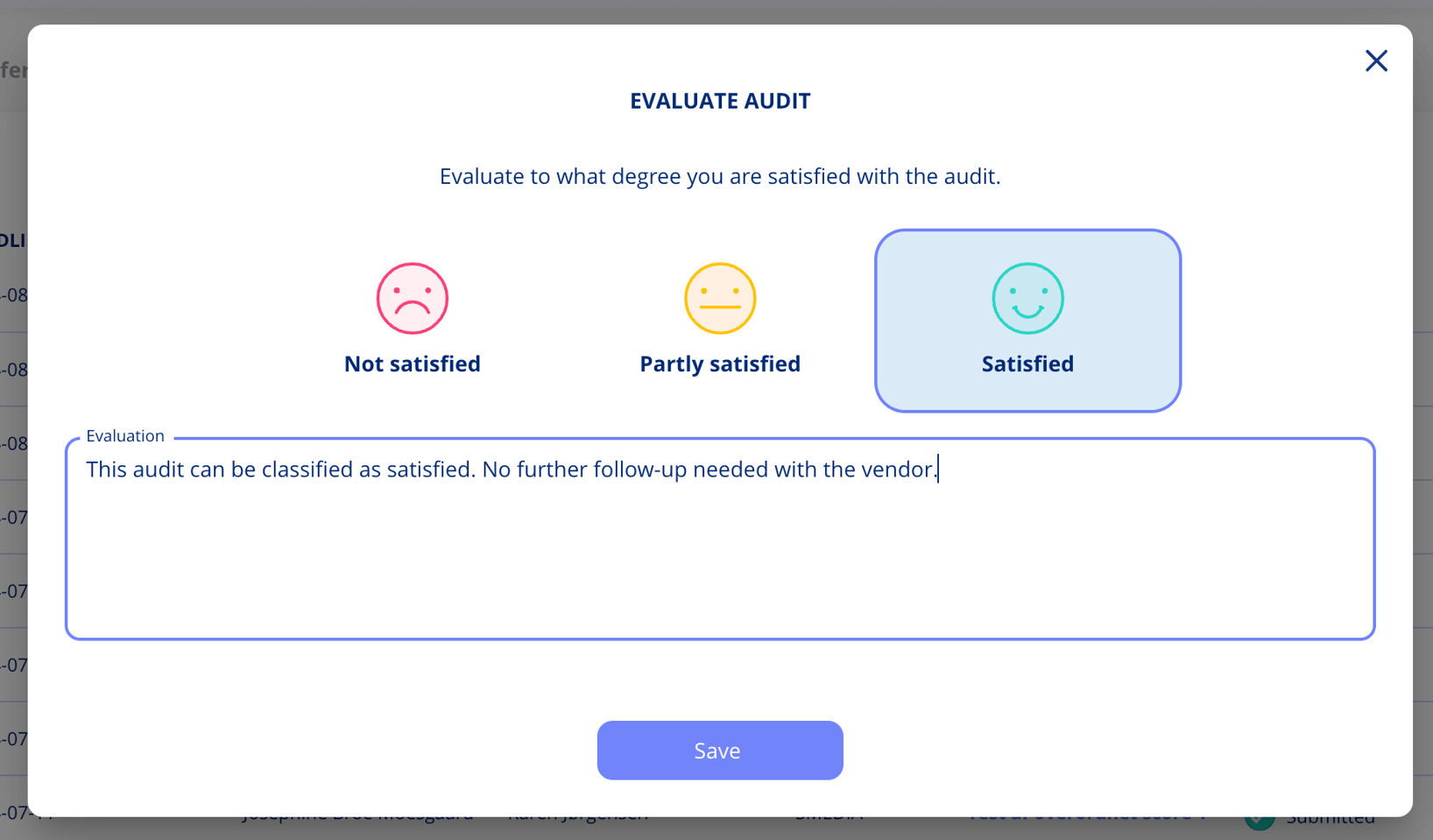
To evaluate a submitted audit or assessment, open the overflow menu and select Evaluate Audit. You can rate your satisfaction and add optional comments.
- Open the overflow menu on an audit or assessment marked as "Submitted."
- Select Evaluate Audit.
- Choose a satisfaction rating: "Not Satisfied," "Partly Satisfied," or "Satisfied."
- Add any additional comments in the text field to elaborate on your evaluation.
Seeing how much has been evaluated
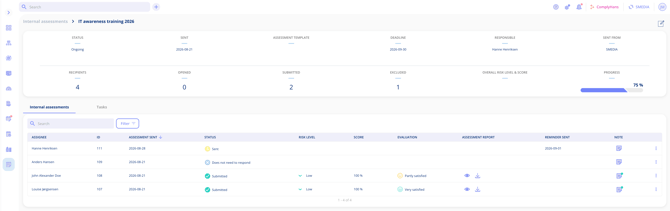
The audit overview has an Evaluation column, so you can tell at a glance how many of the questionnaires you sent out have actually been evaluated — for example "8 of 10". The count is based only on the ones that have been submitted so far; anything still in progress does not count towards the total yet.
Evaluating excluded entities
You can evaluate a legal entity even after it has been excluded, or after an auditor's statement has been registered for it. These evaluations work exactly like any other and still feed into your management reporting.