
An audit sometimes becomes irrelevant after it has been sent. Closing it stops the follow-up on your side, and you can now let the assignee know at the same time, so nobody is left with an open task they were never meant to complete.
Close and notify
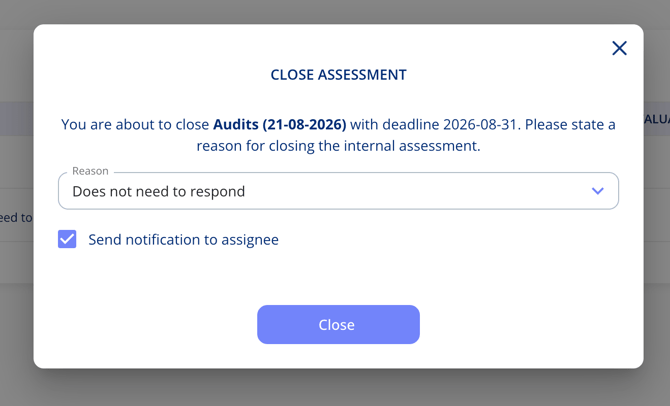
- Open the overflow menu on the audit or assessment and choose to close it.
- State a reason for closing, for example "Does not need to respond".
- Tick Send notification to assignee.
- Select Close.
What the assignee receives
The email states that the audit is closed and no longer requires their attention. The reason you selected is not included, so an internal note about why it was closed stays internal.
Important notes
- The notification is optional — leave the tick box empty to close the audit without emailing anyone.
- The reason for closing is still recorded in the platform even though it is left out of the email.