
Steps
- Go to Processing activities and select Create processing activity in the top right corner
- Enter a name (e.g. "HR Onboarding")
- Choose Draft or Active
- Click Create
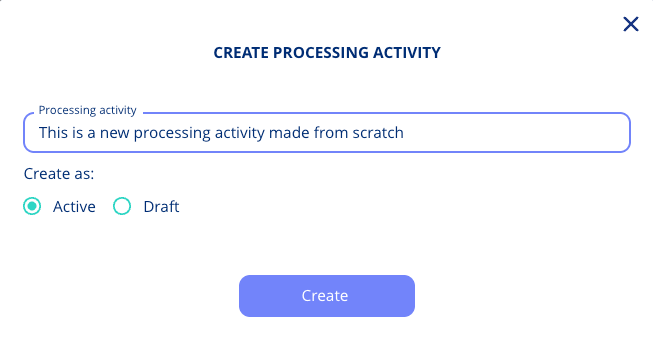
→ You’re now in the flow.
When to Use This
Use the manual flow if:
- You don’t find a matching template
- You want full control over each step
- You’re creating a brand new type of processing
If what you are documenting is a business process without personal data, for example a NIS2 process, use Processes instead. See Processes: Document Business Processes Beyond GDPR.