
Asset input fields are the building blocks that define what information is captured when an asset is registered. Before building asset templates, you will want to set up the input fields you need.
Standard fields vs. custom fields
Standard fields are predefined in the system and have a fixed meaning. Some standard fields are mandatory and cannot be removed from templates.
Custom fields are fields you create yourself and assign your own meaning to. They can be dragged and grouped within templates to appear in the order you want.
Creating a custom field
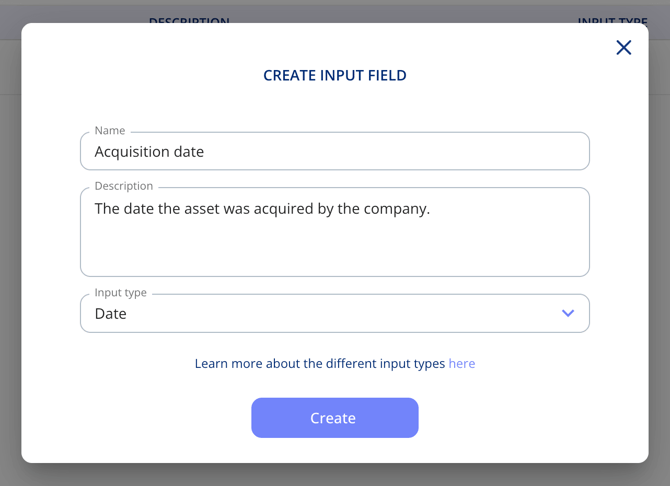
Go to Settings > Asset Input Fields and click Create input field. Asset input fields work the same way as contract input fields.
Using fields in templates
Once created, custom fields can be added to any asset template. Standard and custom fields can be grouped and sorted within each template to appear in the order you need.
Custom input fields for assets are part of the Templates & Custom Fields add-on.