
Pinned comments in a task allow you to keep important information always visible. When you pin a comment, it:
- Stay visible at the top
- Carry forward into future recurring tasks
How to pin a comment
- Open a task and navigate to the Comments section.
- Hover over the comment you want to pin.
- Click the Pin icon that appears.
- Add critical instructions that should stay on every recurrence
- Keep key decisions visible for future owners
- Provide historical context without rewriting every time

Pinned comments are shown at the top of the task and are automatically carried forward to all future recurrences.
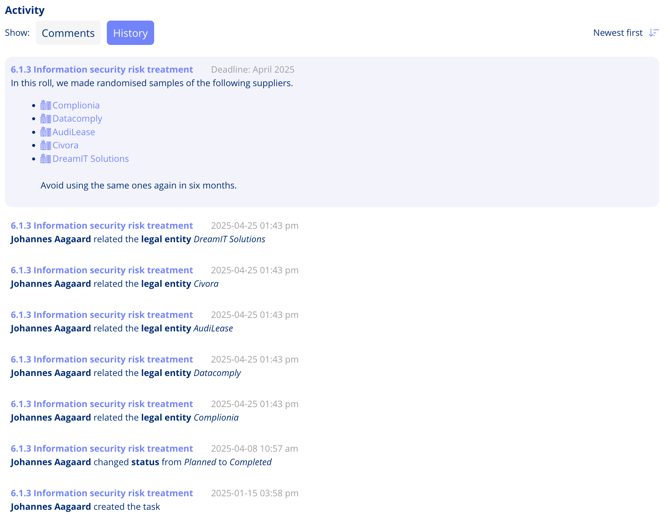
In future recurring tasks, you can always find the pinned comment under History.