Where do you find your legal entities?
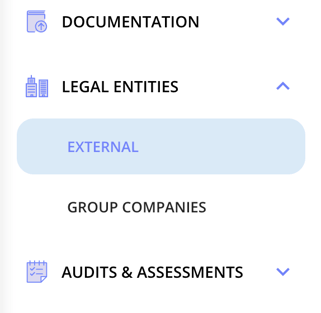
All external legal entities, such as suppliers, customers and processors, are in one list under Legal entities > External. Your own companies are under Group companies. Filter the list by Type to see only one kind. See The Legal Entities Overview: Columns, Filtering, and Views.
What can you see and do on a legal entity?
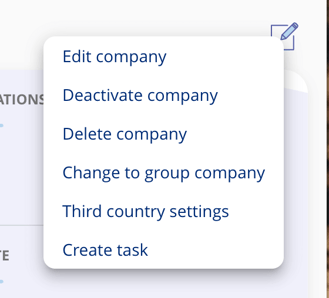
From the legal entity overview, you can view and manage core entity details, control its status, and configure compliance-related settings directly within the platform.
- Name, type, business area
- Status (active or deactivated)
- Tags and compliance domains
- View, edit, or delete the entity
- Set as group entity (if using group structure)
What is the difference between deactivation and deletion?
Deactivation hides the entity from the default view but keeps all data intact; deletion permanently removes the entity and all its documentation and cannot be undone.
- Deactivation: Hides the entity from default view but keeps data.
- Deletion: Removes the entity and all documentation — irreversible.
Tip: Deactivated entities appear with grey background. You can filter them back in.
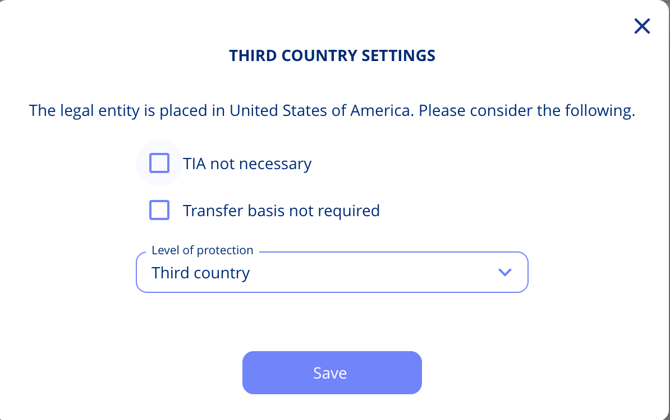
How do you configure third country settings?
If a vendor is based outside of your region, you can:
- Mark it as third country
- Define transfer basis (e.g. SCCs)
- Note exceptions if applicable